I ka kɔlɔsi yɛrɛ
Sɛbɛ kɔlɔsi ani kɔniw kɔlɔsi. I brand ka ɲɛ walima dɔ kɛ kɛnɛ.
Sekondi kelen-kelen, browser kɔnɔ. Carte de visite, menu, Wi-Fi, sɛnɛkɛla, social media, ani 600 wɛrɛ laɲini.
Plateforme logo bɛ don automatiquement. I bɛ se ka o ɲɛ ni i ka logo yɛrɛ ye:
I ka QR code bɛ ka fɛn min ye i ka sɛbɛn ye kɔsɛbɛ – an ka serveri kɔnɔ tɛ taa. I ka sɛbɛnw tɛ i ka browser bɔ.
I ka QR code bɛ ka fɛn min ye i ka sɛbɛn ye kɔsɛbɛ – an ka serveri kɔnɔ tɛ taa. I ka sɛbɛnw tɛ i ka browser bɔ.
I ma dɔn ɲɛfɛ ko i b'a fɛ ka QR-kode in baara la min kɔ?
Yen 600 baarakɛ-ɲɛmɔgɔya — carte de visite fɔ ka se sɛnɛkɛla kɛlɛ ma.
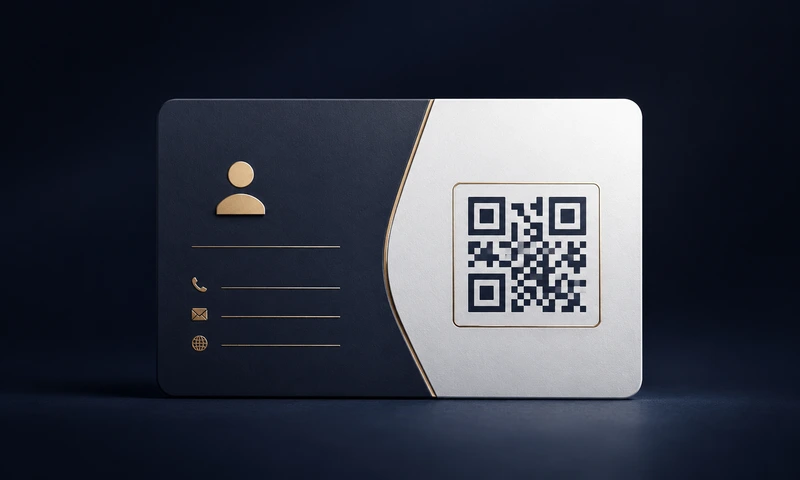
Visite kartew, flyer, Google kɛlɛ, jɔnyɔrɔ ka ɲɛfɛ ani ɲɛfɛnw.
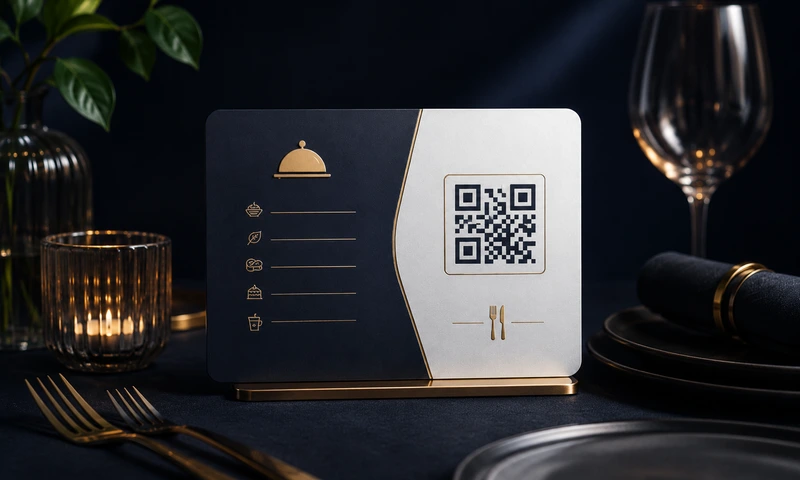
Digital menuw, tabulu kɔnɔ ɲɛfɛnw, kɛlɛ ani reservation.
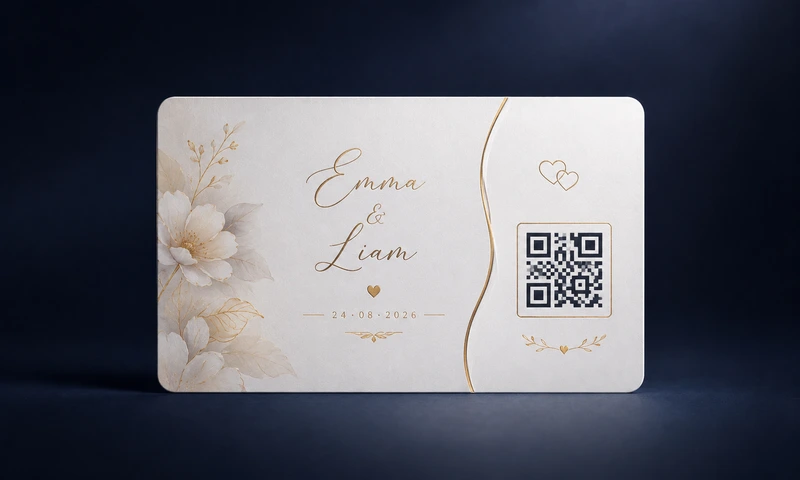
Sɛnɛkɛlaw, mɔgɔ wele-sɛbɛnw, sira-yɛrɛw ani kɛlɛbaaw yɔrɔ-kɔrɔfɔ.
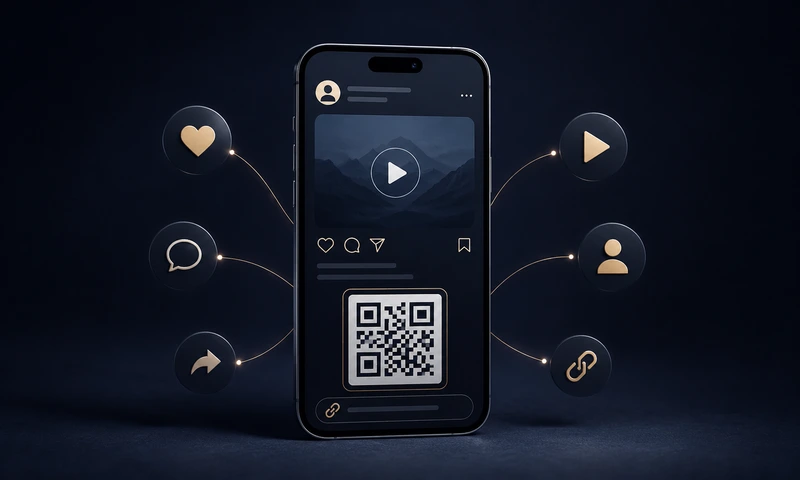
Instagram, TikTok, YouTube, WhatsApp ani link-in-bio taa link kɛ ɲɛfɛ.
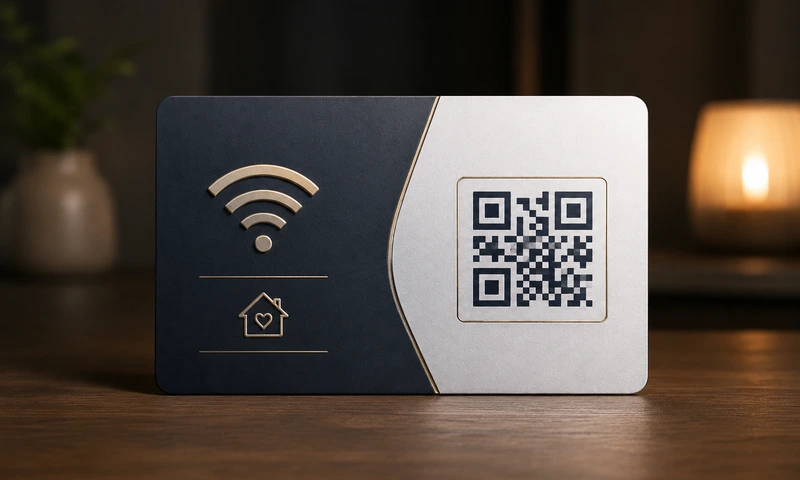
Somɔgɔw ka Wi-Fi, visite karte, chien ka tɔɔkɔ, sɛgɛlɛ karte ka wari kɔnɔ.
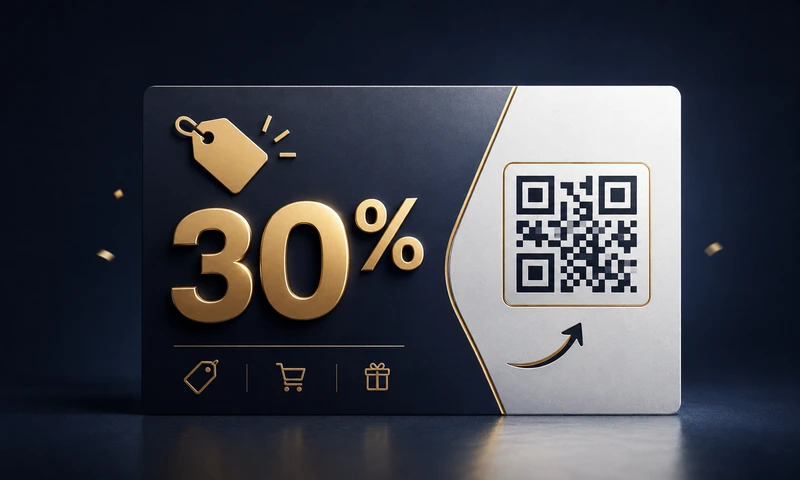
Flyer, plakatw, bus stop, jɔnyɔrɔ – rabat ani baarakɛw kɔnɔ.
Sɛbɛ kɔlɔsi ani kɔniw kɔlɔsi. I brand ka ɲɛ walima dɔ kɛ kɛnɛ.
I ka logo ka bɔ – a bɛ tigɛ kɔrɔ. H ka fɛɲɛ ye, code bɛ se ka kalan.
256 px web kama fo 4096 px kɔrɔ bɔ kɛlɛ kama – i ka teɲɛ sugandi.
PNG, JPG, SVG (vector, sɔrɔ kɛɲɛ ɲɔgɔn), walima WebP dabɔ.
URL, kuma, email, telefɔn, SMS, Wi-Fi, vCard, geo-koordonne, WhatsApp ani social media.
I QR-kode bɛ dɔn browser kɔnɔ. I min b'a don generator la, o bɛ to i ka jɛnɛ-kɛli kɔnɔ.
Statik QR code bɛ baara kɛ abada. Abonema tɛ, kɛnɛ kɔnɔ tɛ.
I ka QR code ka kɛ reklam, visite karte, plakat ani jɔnyɔrɔw kɔnɔ ka bɔ yɛrɛ kɔnɔ.
QR code ka baarakɛ misali ɲɛfɛnw. Kɛlɛ kɔnɔ ka tɛmɛsin, misali ani generator ka sigiyɔrɔw ka sɔrɔ.
We keep this tool completely free and low on ads — no sign-up, no watermarks, no data sales. This is how easily you can help us keep it that way:
Yes, completely and permanently free — including for commercial use. No sign-up, no trial period, no subscription, no watermarks, no hidden fees. We fund the site through discreet advertising (Google AdSense) — but you don't have to click anything or agree to anything to create QR codes.
Ayi. I QR-kode b'a la kuma minnu i b'a don, o ye tɛmɛn-tɛmɛn ye — kuma-kuma, jɛgɛ-jɛgɛ. An tɛ yɛrɛ sira ka server kɔnɔ. Ni i b'a don https://meinefirma.de, smartphone b'a scan kɛ URL nin ɲɔgɔn ye — https://easyfreeqr.com/r/abc123 ma. O bɛ wele ko QR-kode statique. An ka QR-kode fɔlɔ-fɔlɔ ye statique ye: tɛ suivi, tɛ muɲu-tile.
No, your input is not stored. Easy Free QR works entirely in your browser (JavaScript-based, client-side). Your input, your logo, and your generated QR codes never leave your device. With your consent, we additionally measure site usage with Google Analytics; the contents of your QR codes are not included. You can even use the site offline (service worker / progressive web app).
Ayi, abadan. Easy Free QR b'QR-kode statique dɔn. O kɔ: kuma b'a kɛ sɛbɛn kɔnɔ. Server tɛ yen min b'a "dafa" ka bɔ ni a bɛ se ka offline ka na. Ni i bɛ sɛbɛn in ta, a bɛ baara kɛ — san 10 walima 50 kɔnɔ fana.
Yes, without restriction. You may use the generated QR codes on products, in print advertising, in online advertising, on packaging, on posters, in books, in apps and anywhere else — free of charge and without licence fees. Attribution is not required.
We offer 5 formats:
QR-kode (Quick Response Code) ye barcode ye min bɛ se ka jɔ fila kɔnɔ. A bɛ fɔ Japɔn 1994, Denso Wave ka bɔ. A b'angɔ caman sɔrɔ barcode dɔ ka tɛ. Smartphone kamera kura bɛɛ (iPhone iOS 11 kɔfɛ, Android sɔrɔ-kura) b'a lajɛ application kura tɛ mako.
In the generator you'll find the section "2. Logo (optional)". Activate the switch and upload a PNG, JPG or WebP of your logo (max. 2 MB) — it is automatically centred. Use the logo size slider (20 – 50%) and the quality indicator to find the optimal size. Tip: Choose error correction level "H" (maximum) so the code can be reliably scanned despite the logo. For security reasons we do not support SVG logo uploads (potential script injection).
URL, kumaw, imeli sɛbɛnw, telefɔn nɔmɔrɔw, SMS kumaw, Wi-Fi sɛbɛnw (mɔgɔ-taamaw b'a scan kɛ, a bɛ yen!), sɛbɛn-cɛɲi sɛbɛnw (vCard), geo-koordonne, WhatsApp direct kumaw ani social media profiliw plateforme 11 kɔnɔ.
Kalan ka sariya: ka bon ka kɛ 2 × 2 cm 30 cm kɔfɛ ka lajɛ (carte de visite, menu). Affiche minnu bɛ jɔ 1 m kɔfɛ, ka bon ka kɛ 10 × 10 cm ye. Panneaux publicitaires minnu bɛ jɔ 5 m kɔfɛ, ka bon ka kɛ 50 × 50 cm ye. Kuma caman bɛ QR-kode kɔnɔ, o ka ca-ka nɔgɔ. O kɔ, ka bon ka kɛ ka dɔ jɔ. Sɛbɛnw ɲuman dafalenw ye, SVG walima PDF format ta — pixel tɛ, a bɛ se ka ka ɲɛ-ɲɛ ka kɛ.
Easy Free QR is free and there is no sign-up. So that we can fund the site, the domain and the provision of QR codes, we show discreet advertising (Google AdSense) — but only if you agree to it in the cookie selection. If you choose "Necessary only", the site runs ad-free. The functionality remains identical in every case.
We keep the generator free, low on ads and without login. If it helps you — treat us to a virtual coffee. No pressure, no repetition, no mailing list.
Kodɔ ni Stripe walasa PayPal — an tɛ kari- walasa sanni fɔ wari-sɔrɔli sɛbɛnnen don ye. Fɛɛrɛ kelen kɔnɔ. Ɲɛnɛmanw tɛ yen. Mɛlɛn-ka-kalan tɛ yen.