Kaugalingon nga mga kolor
Pili ang foreground kag background color. Mapaathag sa imo brand o pang-creative lang.
In seconds, right in your browser. For business cards, menus, Wi-Fi, weddings, social media and 600 more ideas.
Ang logo sang platform awtomatiko nga ginabutang. Puwede mo ini pulihan sang imo kaugalingon nga logo:
Ang imo QR code may eksakto lang sang imo ginsulod – wala sang redirect sa aton mga server. Ang imo mga datos indi maglakaw sa imo browser.
Ang imo QR code may eksakto lang sang imo ginsulod – wala sang redirect sa aton mga server. Ang imo mga datos indi maglakaw sa imo browser.
Not sure yet what you want to use your QR code for?
Here are 600 use cases — from business cards to wedding celebrations.
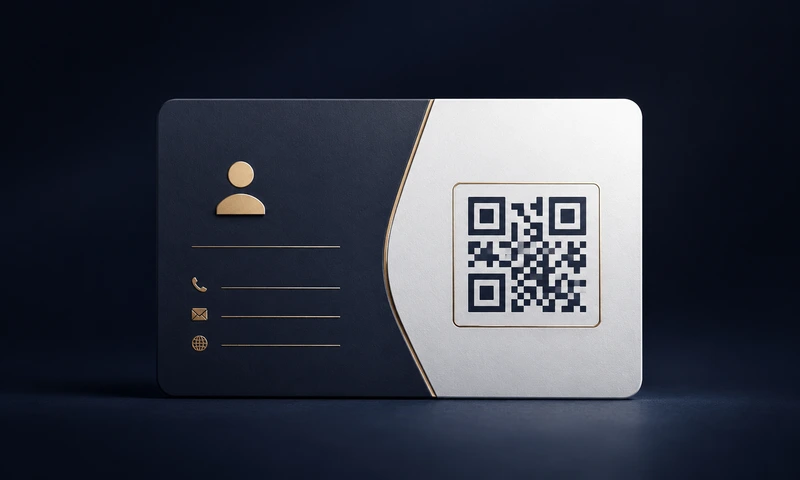
Business cards, flyers, Google reviews, product packaging kag mga promo.
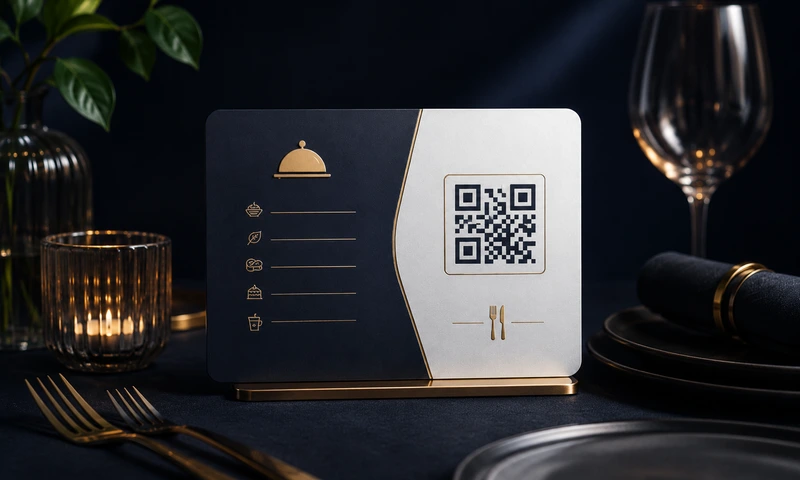
Digital menus, table stands, reviews kag reservations.
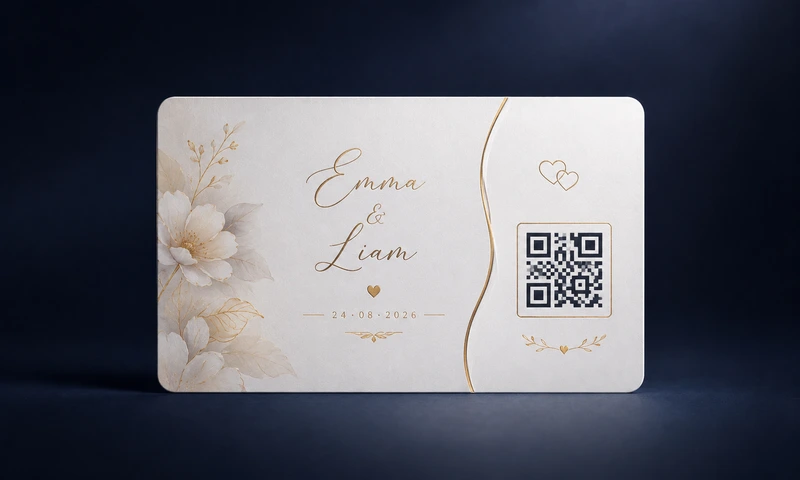
Weddings, invitations, seating plans and guest information.
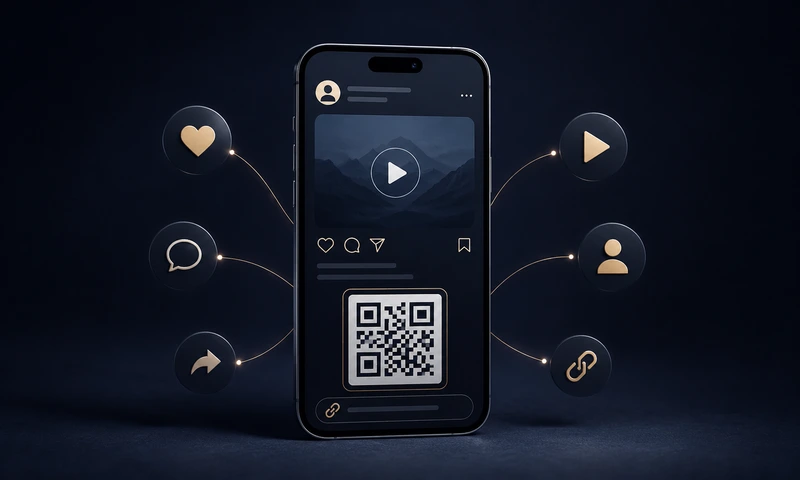
Instagram, TikTok, YouTube, WhatsApp kag link-in-bio – direkta nga i-link.
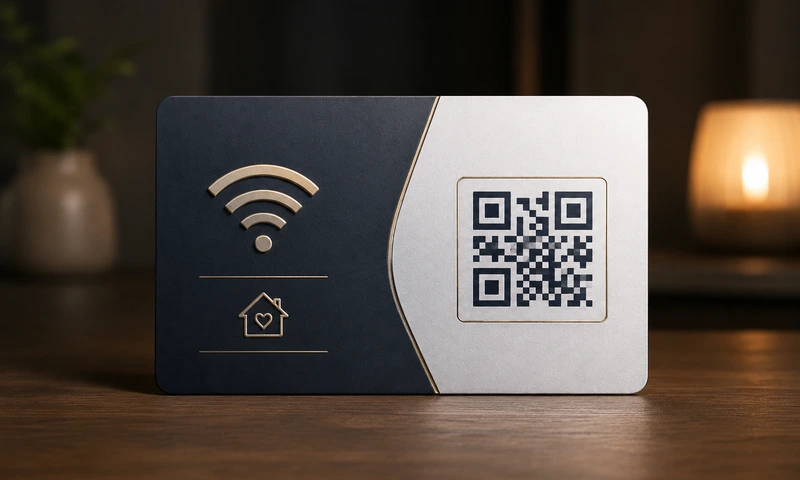
Guest Wi-Fi, business cards, dog tag, emergency card para sa pitaka.
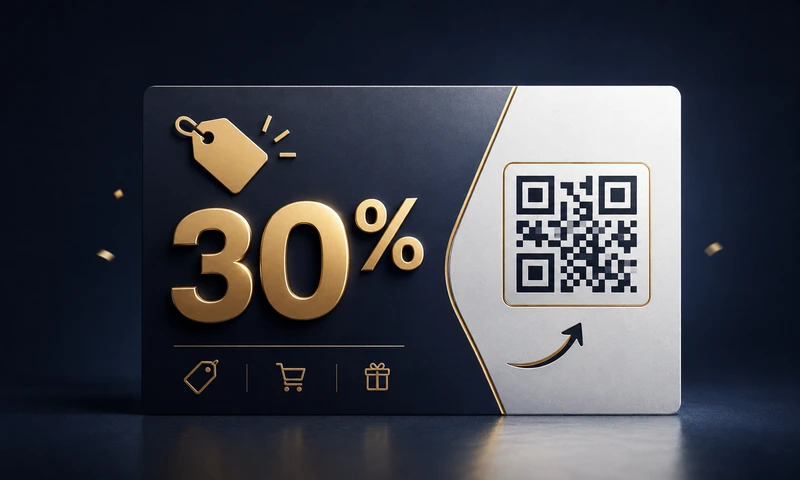
Flyers, posters, bus stops, packaging — may discounts kag promos.
Pili ang foreground kag background color. Mapaathag sa imo brand o pang-creative lang.
I-upload ang imo logo – awtomatiko ini nga magatunga. Sa error correction H, magabasa gihapon ang code.
Gikan 256 px para sa web tubtod 4096 px para sa dako nga print – pili ang angay nga laki.
I-download sa PNG, JPG, SVG (vector, mabalhin bisan kadako) o moderno nga WebP.
URL, text, email, telepono, SMS, Wi-Fi, vCard, geo coordinates, WhatsApp kag social media.
Your QR code is created directly in your browser. What you enter into the generator stays on your device.
Ang static QR codes nagatrabaho permanente. Walay subscriptions, walay expiry dates.
Gamita nga bug-os ang ginhimo nga QR codes sa advertising, business cards, posters kag products.
Konkreto nga gabay para sa pinakakomon nga gamit sang QR code. Kada page may tips, examples kag angay nga generator settings.
Gapadayon namon nga kompleto nga libre kag may gamay lang nga ads ini nga tool — wala sing login, wala sing watermark, wala sing pagbaligya sang data. Sadya nga simple lang ang pagtabang mo sa amon agod magpabilin ini:
Huo, kompleto kag permanente nga libre — pati para sa komersyal nga gamit. Wala sing login, wala sing trial, wala sing subscription, wala sing watermark, wala sing tago nga bayad. Ginasuportahan namon ang site paagi sa gamay nga ads (Google AdSense) — pero wala ka sing kinahanglan i-click o aprobaran agod makahimo sang mga QR code.
No. Your QR code contains exactly the data you enter — word for word, character for character. We do not redirect anything through our servers. If you enter https://meinefirma.de, the smartphone scans exactly that URL — not https://easyfreeqr.com/r/abc123. This is called a static QR code. Our free codes are static: no tracking, no expiration date.
Hindi, indi ginatipigan ang imo mga input. Ang Easy Free QR naga-operar bug-os sa imo browser (JavaScript-based, client-side). Ang imo mga input, imo logo, kag ang mga QR code nga nagahimo imo indi gid nagalabay sa imo device. Kon magtugot ka, gasukat man kami sang paggamit sang site paagi sa Google Analytics; ang sulod sang imo mga QR code indi kabahin sini. Mahimo mo pa gid gamiton ang site offline (Service Worker / Progressive Web App).
No, never. Easy Free QR creates static QR codes. This means the content is encoded directly in the image. There is no server that "resolves" the code and could eventually go offline. As long as you have the image, it works — even in 10 or 50 years.
Huo, wala sing limitasyon. Pwede mo gamiton ang generated QR code sa mga produkto, print ads, online ads, packaging, poster, libro, app kag bisan diin pa — libre kag wala sing license fee. Wala kinahanglan ang pagkredito.
Nagatanyag kami sing 5 ka format:
A QR code (Quick Response Code) is a two-dimensional barcode. It was invented in 1994 in Japan by Denso Wave and stores significantly more data than a classic barcode. Every modern smartphone camera (iPhone from iOS 11, Android in newer versions) can read it directly — no extra app needed.
Sa generator makita mo ang seksyon nga "2. Logo (optional)". Himoa ang switch kag i-upload ang PNG, JPG o WebP nga logo mo (maximum 2 MB) — awtomatiko ini nga magatunga. Gamit ang logo size slider (20 – 50 %) kag quality indicator, makita mo ang maayo nga size. Tip: Pilia ang error correction level "H" (Maximum), agod masiguro nga mabasa gihapon ang code bisan may logo. Para sa seguridad, indi kami nagasuporta sang SVG logo upload (potensyal nga script injection).
URLs, texts, email addresses, phone numbers, SMS texts, Wi-Fi access data (guests scan it, it's included!), digital business cards (vCard), geo coordinates, WhatsApp direct messages and social media profiles from 11 platforms.
Rule of thumb: at least 2 × 2 cm for reading distances under 30 cm (business cards, menus). For posters viewed from 1 m: at least 10 × 10 cm. For billboards from 5 m: at least 50 × 50 cm. The more content in the code, the finer the pattern becomes. In that case, it's better to print larger. For high-quality prints, use our SVG or PDF format — infinitely scalable without pixels.
Ang Easy Free QR libre kag wala sing login. Agod mapondohan namon ang site, domain kag pag-hatud sang mga QR code, nagapakita kami sang gamay nga ads (Google AdSense) — pero lamang kon mag-consent ka sa cookie selection. Kon pilion mo ang "Only necessary", wala sing ads ang site. Pareho gihapon ang functionality sa bisan anong kaso.
Gapadayon namon nga libre, may gamay lang nga ads kag wala sing login ang generator. Kon nakatabang ini sa imo — magpalit sang virtual nga kape para sa amon. Wala sing pilit, wala sing pag-ulit, wala sing mailing list.
Enkriptado via Stripe ukon PayPal — wala kami makita nga card o account data. Isang beses lang. Wala membership. Wala mailing list.