Custom colors
Choose foreground and background color. Matching your brand or simply creative.
In seconds, right in your browser. For business cards, menus, Wi-Fi, weddings, social media and 600 more ideas.
A na-etinye logo ikpo ọkwa ahụ n'otu aka. Ị nwere ike ide ya n'elu logo gị nke ahụ:
Your QR code contains exactly what you enter – without redirection through our servers. Your input never leaves your browser.
Your QR code contains exactly what you enter – without redirection through our servers. Your input never leaves your browser.
Not sure yet what you want to use your QR code for?
Here are 600 use cases — from business cards to wedding celebrations.
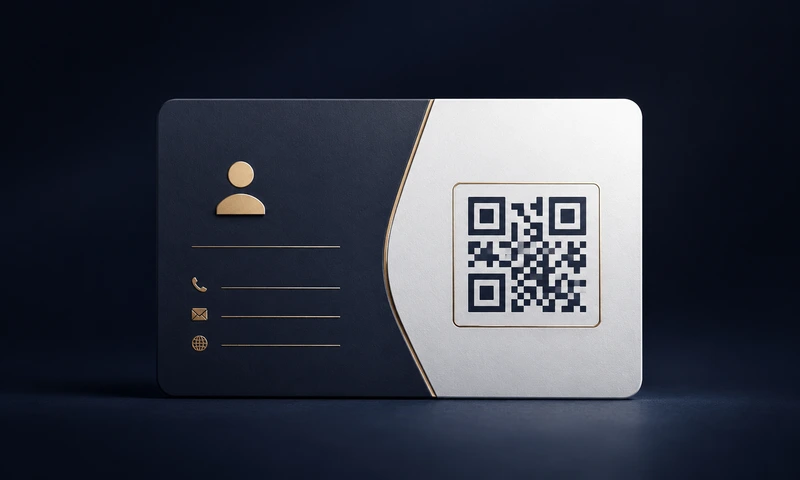
Business cards, flyers, Google reviews, product packaging and offers.
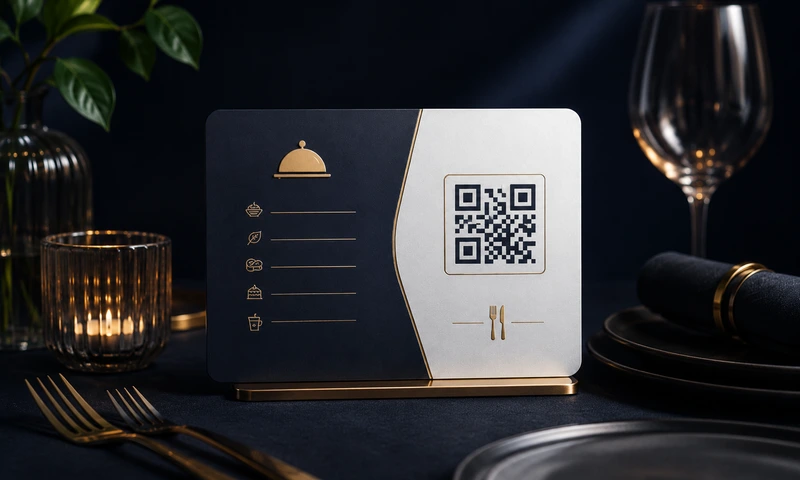
Digital menus, table stands, reviews and reservations.
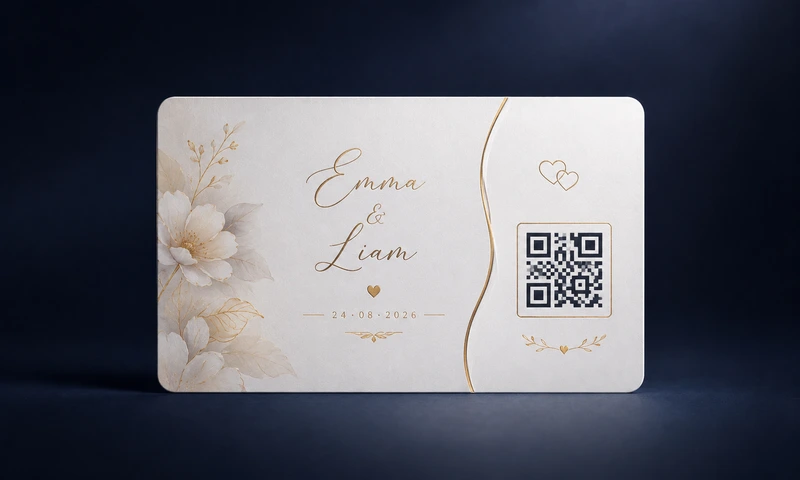
Weddings, invitations, seating plans and guest information.
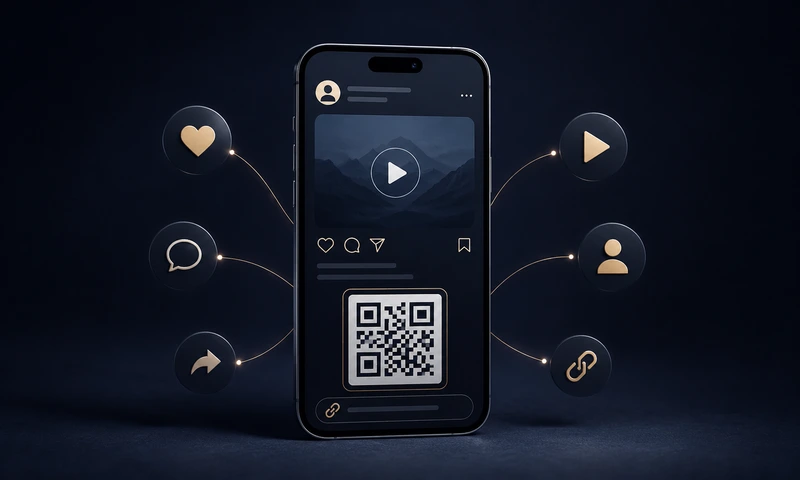
Link Instagram, TikTok, YouTube, WhatsApp and link-in-bio directly.
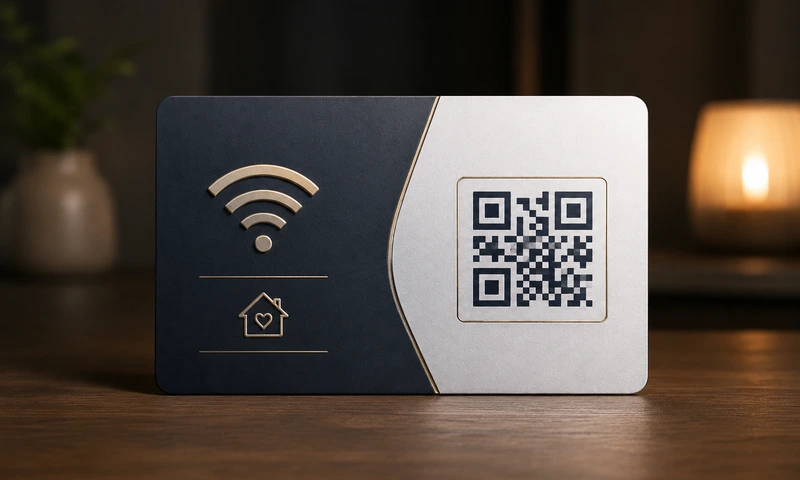
Guest Wi-Fi, business cards, dog tag, emergency card for wallet.
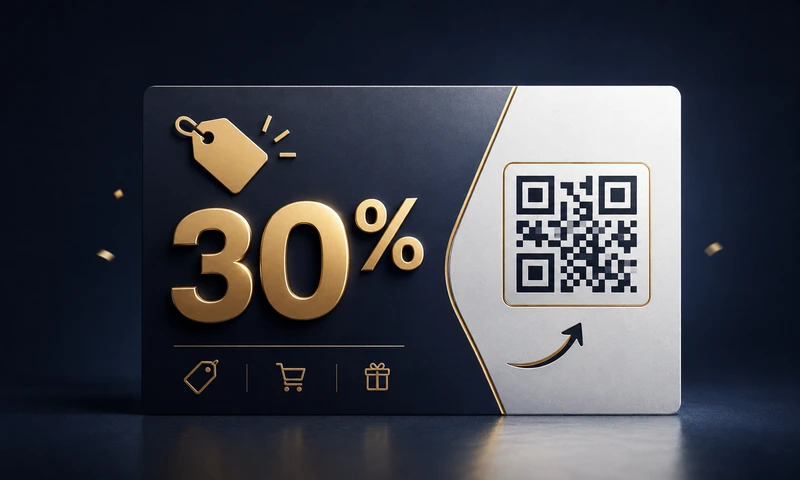
Flyers, posters, bus stops, packaging — with discounts and promotions.
Choose foreground and background color. Matching your brand or simply creative.
Upload your logo – it is automatically centered. With error correction H, the code stays readable.
From 256 px for web to 4096 px for large-format printing – choose the right size.
Download as PNG, JPG, SVG (vector, infinitely scalable) or modern WebP.
URL, text, email, phone, SMS, Wi-Fi, vCard, geo coordinates, WhatsApp and social media.
Your QR code is created directly in your browser. What you enter in the generator stays on your device.
Static QR codes work forever. No subscriptions, no expiry dates.
Use the generated QR codes freely in advertising, business cards, posters and products.
Konkrete ntụziaka maka ojiji a na-ejikarị koodu QR. Otu ibe ọ bụla nwere amụma, ihe atụ na ntọala jenereto kwesịrị ekwesị.
Anyị na-edobe ngwaọrụ a n'efu zuru oke na enweghị mkpọsa ọtụtụ — na-enweghị ndebanye aha, enweghị watermark, enweghị ire data. Ihe dị mfe ka ị nwere ike inyere anyị aka ịnọgide na-eme otu a:
Ee, n'efu zuru oke na ruo mgbe ebighị ebi — gụnyere iji azụmahịa. Enweghị ndebanye aha, enweghị oge nnwale, enweghị subscription, enweghị watermark, enweghị ụgwọ zoro ezo. Anyị na-akwado ibe a site na mkpọsa dị nro (Google AdSense) — mana ị nweghị ihe ọ bụla ị ga-pịa ma ọ bụ kwenye ya iji mepụta koodu QR.
No. Your QR code contains exactly the data you enter — word for word, character for character. We do not redirect anything through our servers. If you enter https://meinefirma.de, the smartphone scans exactly this URL — not https://easyfreeqr.com/r/abc123. This is called a static QR code. Our free codes are static: no tracking, no expiry date.
Mba, a dịghị echekwa ntinye gị. Easy Free QR na-arụ ọrụ nke ọma na browser gị (JavaScript, client-side). Ntinye gị, logo gị na koodu QR ị mepụtara apụghịkwa ịpụ n'ngwaọrụ gị. Site na ikike gị, anyị na-atụ ọnụ ọgụgụ ojiji ibe a site na Google Analytics; ọdịnaya koodu QR gị adịghị n'ime ya. Ị pụrụ ọbụlagodi iji ibe a n'ụzọ offline (Service Worker / Progressive Web App).
No, never. Easy Free QR creates static QR codes. This means the content is encoded directly in the image. There is no server that "resolves" the code and could go offline at some point. As long as you have the image, it works — even in 10 or 50 years.
Ee, n'enweghị oke. Ị nwere ikike iji koodu QR a mepụtara n'ngwaahịa, mkpọsa ebipụtara, mkpọsa ịntanetị, akpa, posta, akwụkwọ, apps na ebe ọ bụla ọzọ — n'efu na enweghị ụgwọ ikike. Ọ dịghị mkpa ịkwupụta aha ọ bụghị mkpa.
Anyị na-enye ụdị 5:
A QR code (Quick Response Code) is a two-dimensional barcode. It was invented in 1994 in Japan by Denso Wave and stores considerably more data than a classic barcode. Every modern smartphone camera (iPhone from iOS 11, Android in newer versions) can read it directly — without an extra app.
N'jenereto ị ga-ahụ mpaghara "2. Logo (nhọrọ)". Mee ka switch rụọ ọrụ ma bulite PNG, JPG ma ọ bụ WebP nke logo gị (ruo 2 MB) — a ga-etinye ya n'etiti akpaka. Site na slider nha logo (20 – 50 %) na ihe ngosi ogo, ị ga-achọta nha kachasị mma. Ndụmọdụ: Họrọ ọkwa mmegharị njehie "H" (Kacha elu), ka koodu ahụ gụọ nke ọma ọbụlagodi na logo. Maka nchekwa, anyị anaghị akwado ibugo logo SVG (ihe egwu nke ntinye script).
URLs, texts, email addresses, phone numbers, SMS texts, Wi-Fi login details (guests can scan them!), digital business cards (vCard), geo coordinates, WhatsApp direct messages and social media profiles from 11 platforms.
Rule of thumb: at least 2 × 2 cm for reading distances under 30 cm (business cards, menus). For posters viewed from 1 m: at least 10 × 10 cm. For billboards viewed from 5 m: at least 50 × 50 cm. The more content is in the code, the finer the pattern becomes. In that case, it's better to print it somewhat larger. For high-quality prints, use our SVG or PDF format — infinitely scalable without pixels.
Easy Free QR bụ n'efu ma enweghị ndebanye aha. Iji anyị kwado ibe, domain na nnyefe koodu QR, anyị na-egosi mkpọsa dị nro (Google AdSense) — mana naanị ma ọ bụrụ na ị kwenye na ya n'ihe họrọ cookie. Ọ bụrụ na ị họrọ "Naanị ihe dị mkpa", ibe ahụ na-arụ ọrụ na-enweghị mkpọsa. Ọrụ ahụ ka dị otu n'ọnọdụ ọ bụla.
Anyị na-edobe jenereto n'efu, nwere mkpọsa ọtụtụ na enweghị login. Ọ bụrụ na nke a na-enyere gị aka — nye anyị kọfị virtual. Enweghị nrụgide, enweghị ugboro ọzọ, enweghị ndepụta email.
Echekwara site na Stripe ma ọ bụ PayPal — anyị anaghị ahụ data kaadị ma ọ bụ akaụntụ. Ugboro otu. Enweghị membership. Enweghị mailing list.