Mini
For a single code, for example for a business card, a flyer or a sign.
…per monthper year
You save … per year
Included codes…
Choose MiniA QR code that stays printed while its destination changes. With scan counter, in plans for one or many codes, managed with a login or a secret link.
To create and manage your codes, this page needs JavaScript. Please enable it in your browser.
Log in with the email address of your order and your password.
Not a customer yet?

Wherever a code hangs, sticks or lies around for a long time and the destination may change.
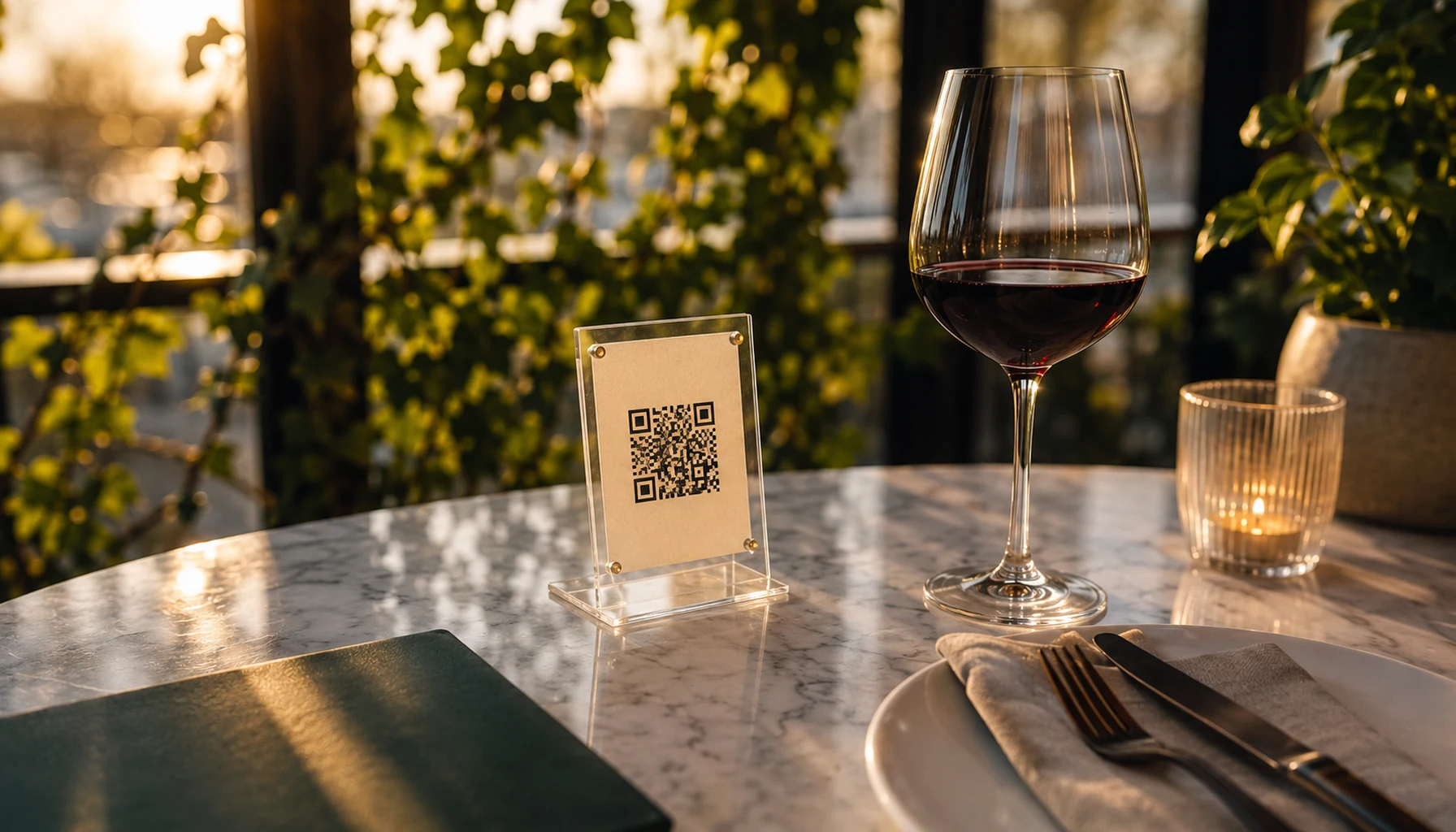
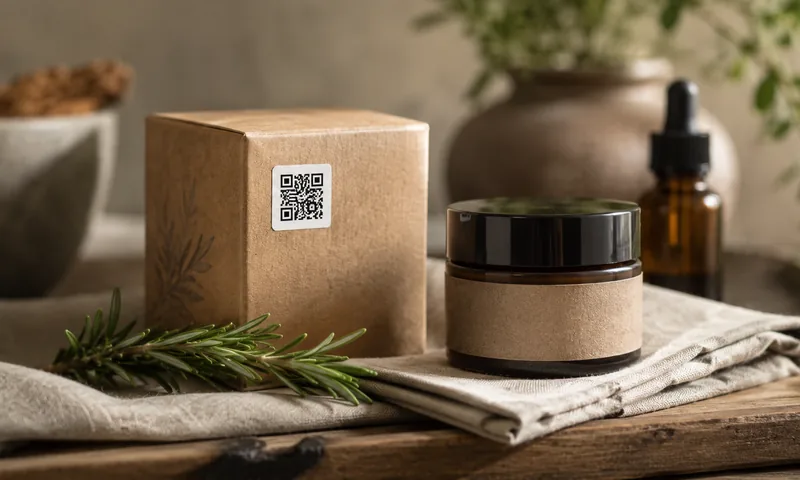
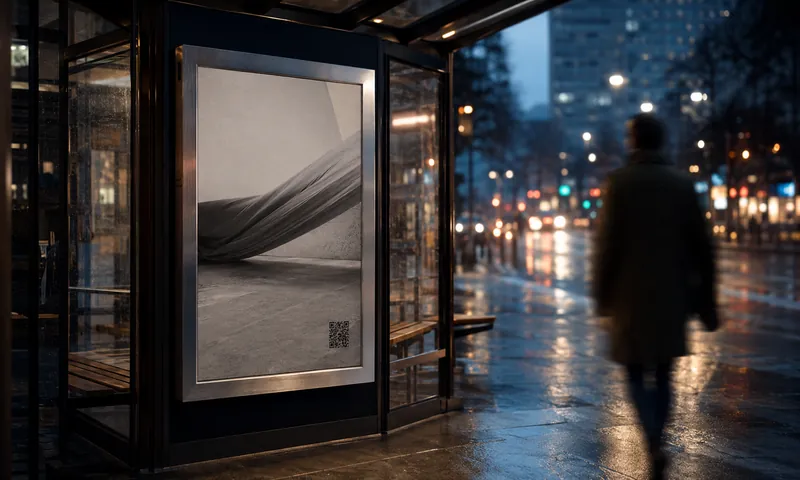
Three steps, and you never have to reprint just because an address changes.
You enter the address your code should lead to and choose a plan with as many codes as you need. You order in the browser and receive your secret management link.
In the generator you give your code colors, shape and logo and download it as PNG, SVG or PDF. The pattern stays the same forever.
On your management page, with your login or your management link, you change destinations, pause codes, create more codes and see how often they were scanned. This works without reprinting.


You choose a plan for your account and create as many codes in it as are included. If you need more, you book extra codes on top.
For a single code, for example for a business card, a flyer or a sign.
…per monthper year
You save … per year
Included codes…
Choose MiniFor several codes, for example for menus, flyers and products.
…per monthper year
You save … per year
Included codes…
Choose StarterFor many codes, for example for packaging, branches or events.
…per monthper year
You save … per year
Included codes…
Choose ProIf you need more codes, you book extra codes with any plan, when you order or later on the management page. They are billed together with your plan. Up to … extra codes are possible.
…per extra code per monthper extra code per year
We suggest the currency based on your location, and you can choose it. Once you have made your first purchase, it is fixed. Before ordering, you see all details once more directly above the “Order with obligation to pay” button. Tax note on the prices: shown when you order
We show the current prices with JavaScript. Please enable it in your browser to see the prices and to order.
Four promises that we keep, because printed codes stay in circulation for a long time.
Anyone who scans your code is forwarded directly to your destination. We do not put an intermediate page or any ads in between.
If a payment fails, your plan keeps running for a few more days, and we write to you by email beforehand. Your codes stay stored.
Service, total price and term are shown directly above the button before you order. We charge nothing extra for your payment or for changes to the destination.
You cancel on the management page or, without signing in, via “Cancel contracts here”. Your plan keeps running until the end of the paid billing period.
Our generator stays free. A dynamic code is worthwhile if your code stays in circulation for a long time and the destination might change.
| Feature | Static QR codefree generator | Dynamic QR codewith management page |
|---|---|---|
| Change the destination after printing | No, you need a new code | Yes, anytime |
| Count scans | No | Yes, per day and device type |
| Pause | No | Yes, and switch back on |
| Design with colors and logo | Yes, with colors and logo | Yes, the same as in the generator |
| What is in the code | Your address itself | A short link to easyfreeqr.com |
| Works without our service | Yes, forever | No, only as long as your plan runs |
| Cost | Free | Plan per account, monthly or yearly |
| Makes sense if | The destination stays the same permanently | Printed codes stay in circulation for a long time |
Swipe the table sideways to see all columns.
A static code is the right choice if you need neither changes nor numbers.
A dynamic QR code does not contain a fixed destination text, but a short link to our service. Anyone who scans it is forwarded from there to your destination address. Because only the destination behind the short link is stored, you can change it later without replacing the printed code.
The plan determines how many codes you can have at the same time. Mini is meant for a single code, Starter for several, Pro for many. How many codes a plan includes is shown with the plans. If one plan is not quite enough for you, you book extra codes on top. If a larger plan is cheaper than your plan with extra codes, we point this out to you when you make a change on the management page.
Extra codes extend the allowance of your plan by single codes. You can book them with any plan, when you order or later on the management page under “Change plan or book extra codes”. They are billed in the same billing period as your plan. You can see the price per extra code and the upper limit with the plans.
Yes, on the management page. A larger plan or more extra codes take effect immediately. We charge the proportionate amount for the rest of your current billing period and show it to you beforehand. A smaller plan or fewer extra codes also take effect immediately, but the lower price only applies from the next billing, and we do not refund anything for the current billing period. The new allowance must accommodate all your existing codes, so delete any codes you do not need beforehand. You can switch from monthly to yearly payment, but not from yearly to monthly within the current year.
Yes, at no extra charge and without a new code. The change applies immediately to everyone who scans the code from then on. To protect against abuse, we change a destination at most 20 times per code within 24 hours. Addresses starting with http:// or https:// are permitted.
Your plan keeps running at first, for a few more days. We will send you an email, and you update your payment method on the management page under “Payment details”. If this button is not there, write to us at info@tfb-beyond.com and we will help you. If the payment does not go through in this time, the short links stop forwarding, and we may end the contract. Your codes remain stored at first. If you order a plan again later, they are active again with the same short links.
You cancel on the management page or, without signing in, via “Cancel contracts here” in the footer. Your plan and all codes keep running until the end of the paid billing period, after which each short link only shows a notice page and no longer forwards. If you change your mind before it ends, you can undo the cancellation. Your codes remain stored at first, so after a new order they are active again with the same short links.
Yes, on the management page for each code. The short link no longer works afterwards, printed codes become invalid, and we never assign the short link a second time. The space in your allowance becomes free again. To protect against abuse, there is an upper limit for newly created codes within 30 days, and deleted codes count toward it.
We count how often your code is scanned per day, broken down by phone, tablet, computer and other. We do not store IP addresses for this, nor anything about individual people or individual scans. We do not count recognizable search engine crawlers and automated checking programs. You can see the numbers on your management page for 30, 90 or 365 days.
After your order, we email you your management link. Anyone who has this link can manage your codes, so keep it private. On the management page you can also set a password and then log in with your email address and password. If you have forgotten the password, have a new link sent to you.
Yes. On your management page you open the generator with your short link and design the code with the same colors, shapes and logo as for any other code, at no extra charge. You download it as PNG, SVG or PDF. The pattern does not change later, even if you change the destination.
Web addresses starting with http:// or https:// are allowed. We check every destination when it is created and with every change. Addresses of short link services and of easyfreeqr.com itself are not possible as a destination. For Google Maps, use the long address from the address bar instead of the short link. Pages for fraud, malware, spam or other unlawful content are excluded, and we block such codes. If you notice a code that is being abused, you can report it via “Report abuse” in the footer.
You order in the browser and pay by card through the checkout of an external payment provider (Stripe). Depending on your selection, your plan is charged automatically every month or every year until you cancel. We suggest the currency based on your location, and you can choose between euros and US dollars. Once you have made your first purchase, it is fixed. You see the service, the total price with tax note and the term directly above the “Order with obligation to pay” button, before you place a binding order.
As a consumer, you have a statutory right of withdrawal. The details are in the information on the right of withdrawal, which we show you before the order and which you can always find under “Right of withdrawal” in the footer. Regardless of this, you can cancel at any time, effective at the end of the paid billing period.
Create your first dynamic QR code in a few minutes. You can cancel at any time, effective at the end of the paid billing period.